Northgate Primary School
Computing
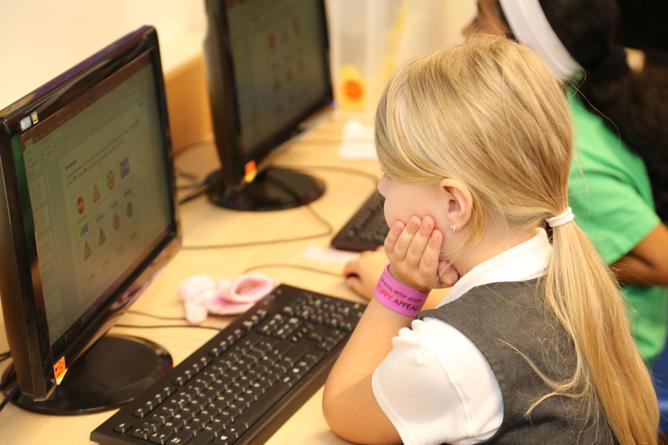
Computing at Northgate
The Northgate Computing curriculum is designed to reflect the ever-changing technological world that our children are growing up in. It enables pupils to experience exciting and skills-based activities and learning experiences which facilitate independence and exploration, allowing pupils to apply their skills to their own paths of enquiry. It is designed to consider the ways our children can use technology to learn and communicate and teaches them how to be safe when doing so.
In Early Years, we focus on the foundation of technology knowledge to support children to learn about the wider world at the same time as improving their computing skills. We use phonics games, develop our understanding of how to keep safe, we turn on music, use toys with on/off buttons and things which need controls to work, use BeeBots, maths games, use iPads to research pictures of animals, landscapes and environments. We also use our interactive whiteboards to create pictures and iPads to take pictures of our construction pieces of work.
From KS1 onwards, our core Computing learning comes under the three strands of E Safety, Coding and Media. Throughout their Computing lessons, children also develop an understanding of how computer networks and the world wide web function.
ESAFETY SKILLS PROGRESSION
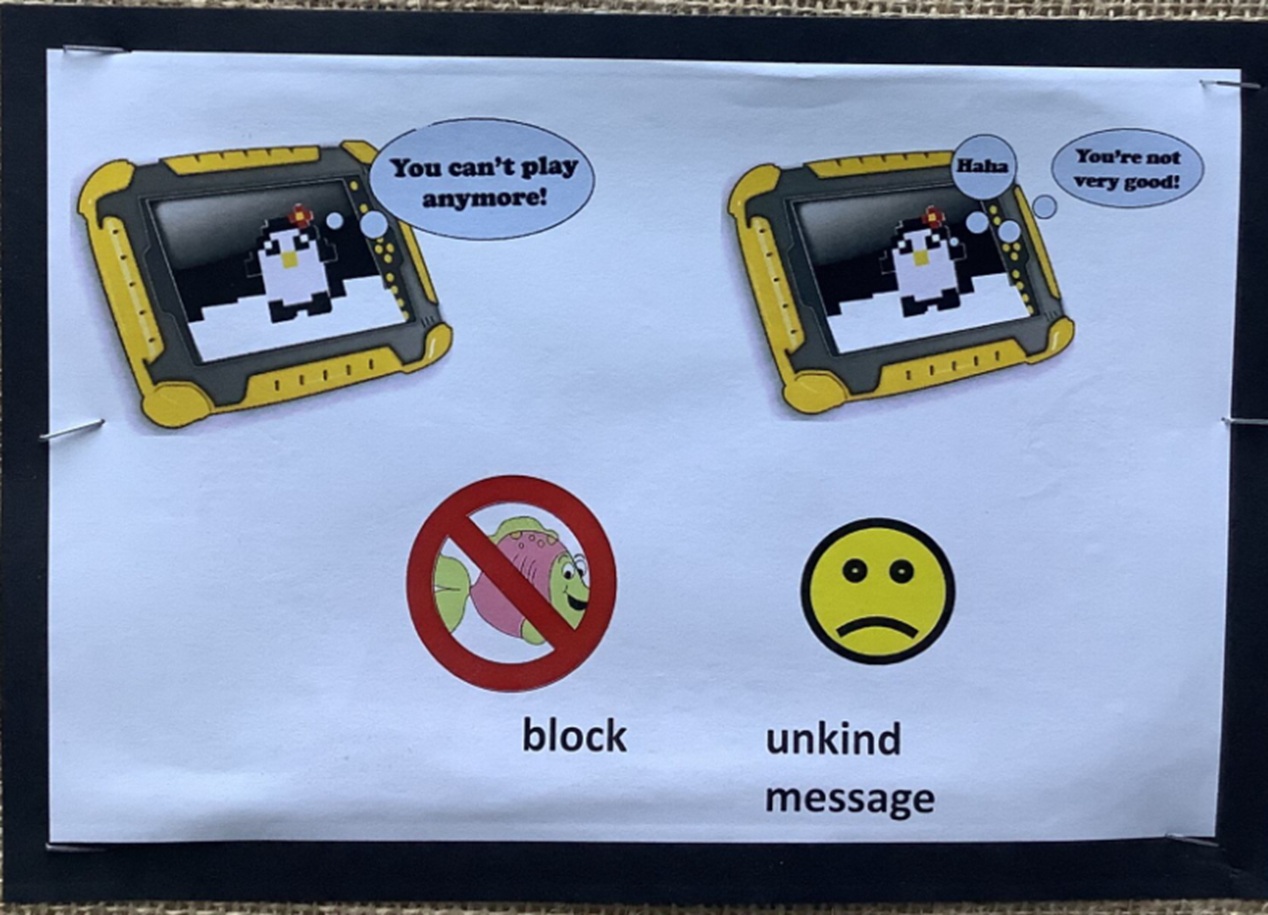
We learn to BLOCK and REPORT unkind messages
We identify TRUSTED ADULTS who we talk to about anything that upsets or worries us
We learn to be UPSTANDERS to online bullying and how to support the target in public and private ways
Year 1
We listen to Smarty the Penguin stories and learn to show our grown-ups nasty messages and how to block the sender.
Year 2
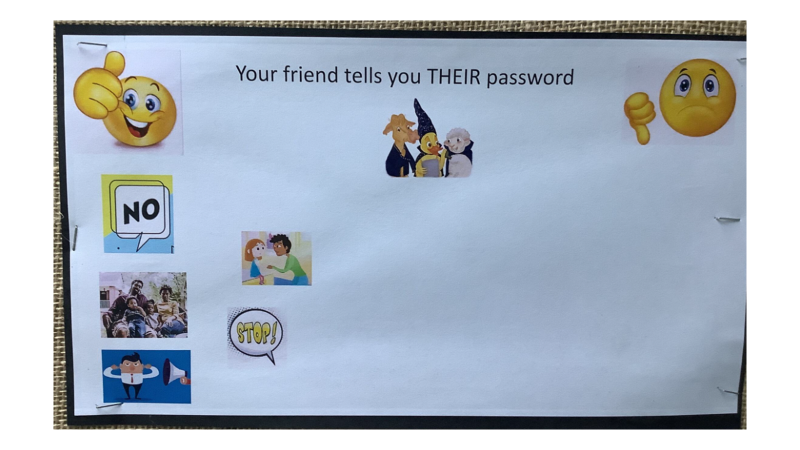
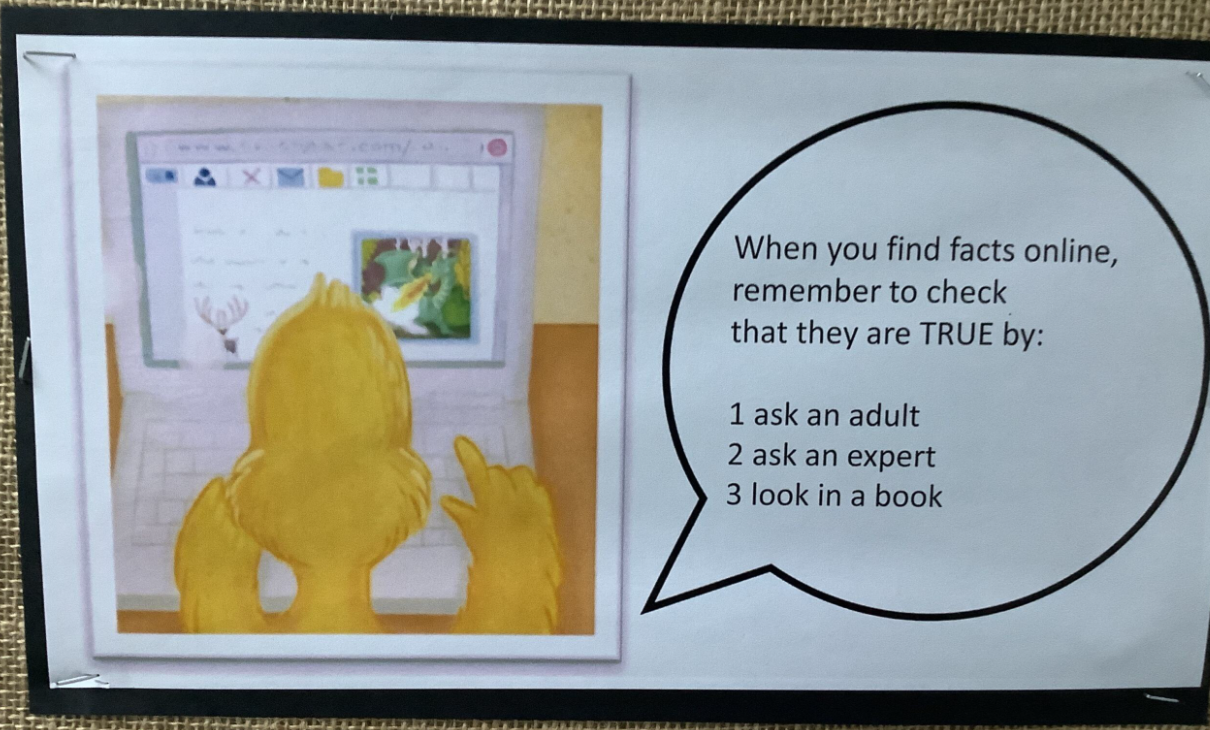
We listen to DigiDuck stories and learn to keep our passwords to ourselves and to look out for fake facts.
Year 3
We learn to block, report and talk to a trusted adult when things go wrong, online.
Year 4
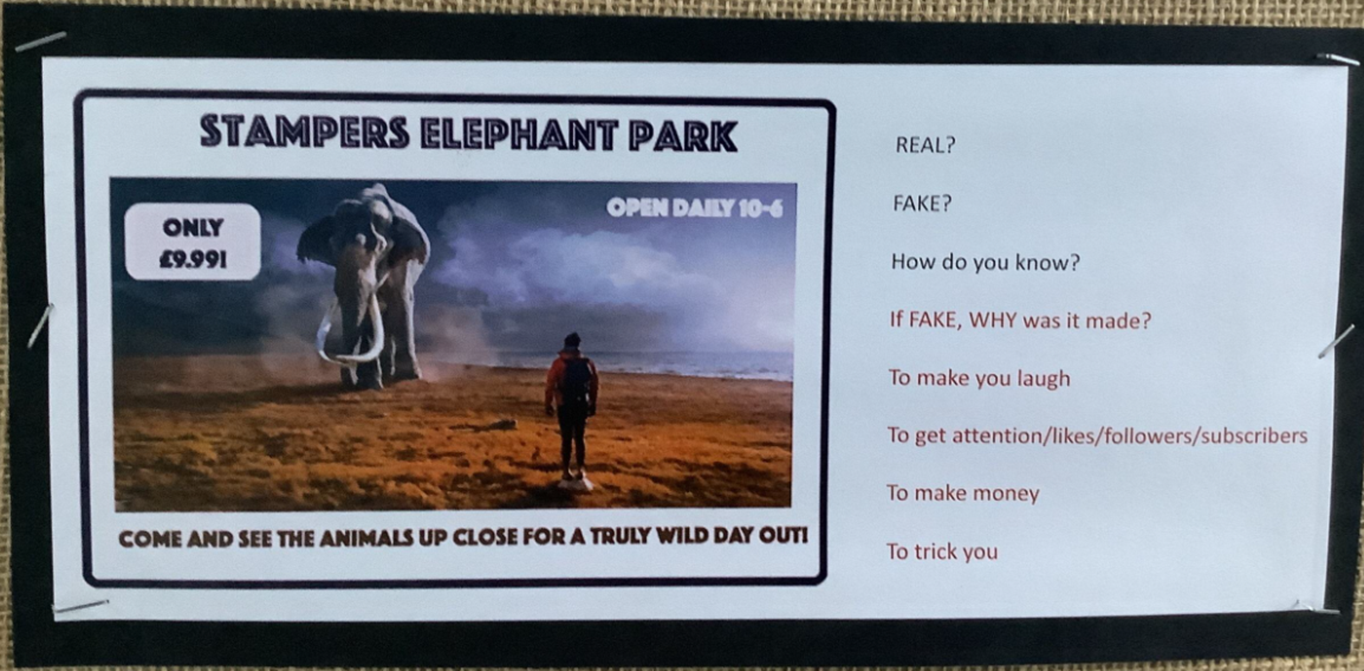
We learn to detect fake images and facts and how to respond to in-game messages.
Year 5
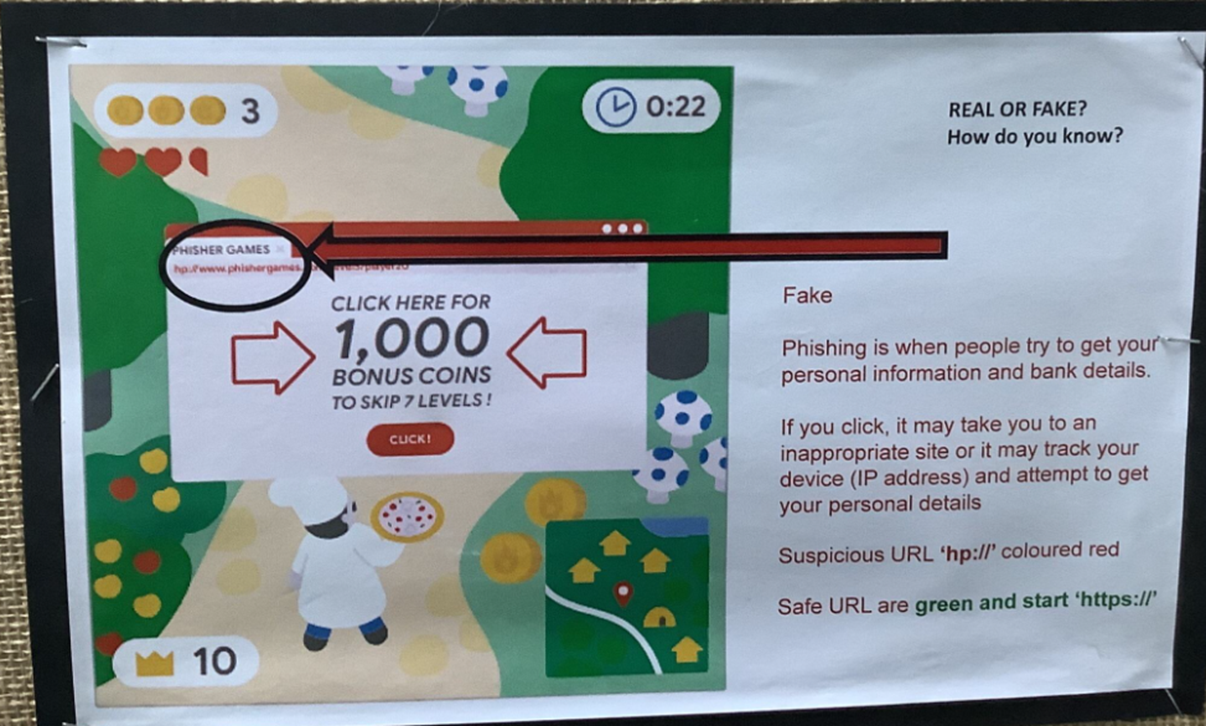
We learn about phishing as a scam to get your personal information with the aim of accessing your bank account and money. We also learn how to deal with in-game messaging.
Year 6
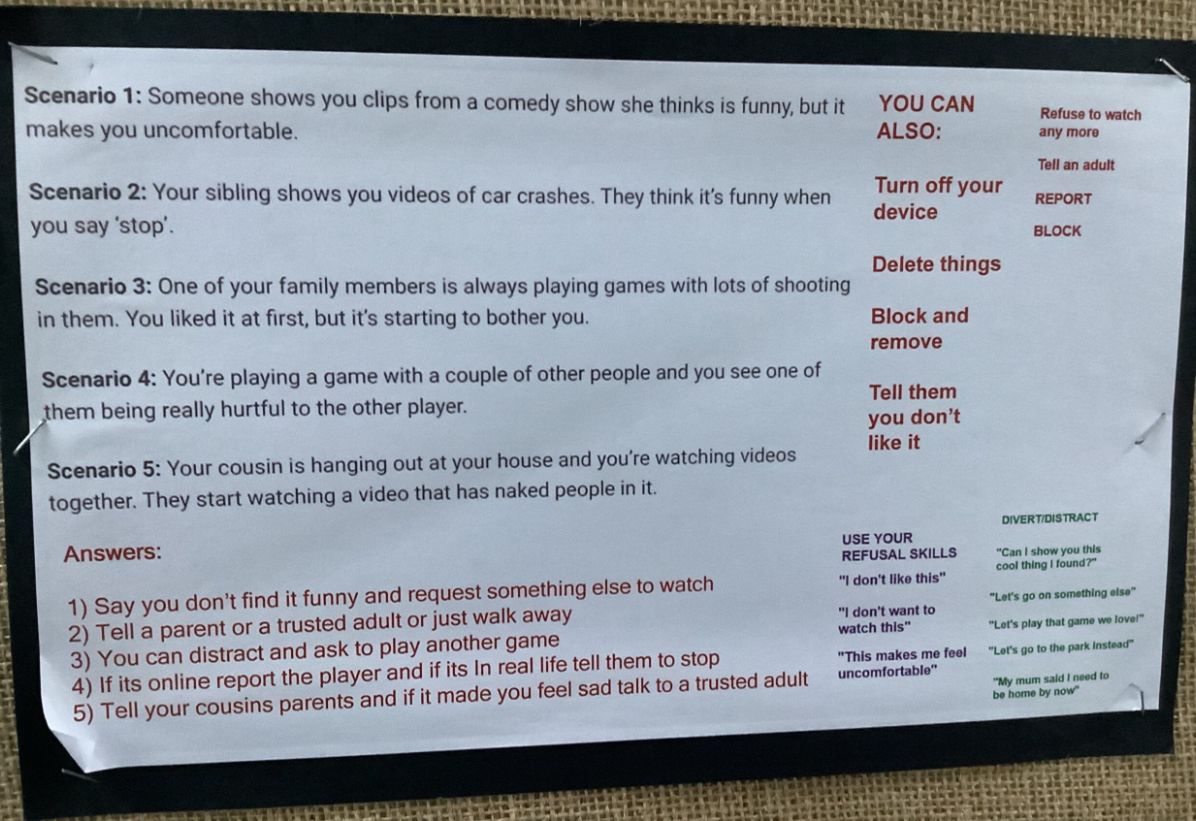
We read scenarios of things that can happen when we are online and advise the person whether to reply, block, report, ignore, be an upstander or to talk to a trusted adult. We also learn to use our refusal skills and how to divert/distract.
MEDIA SKILLS PROGRESSION
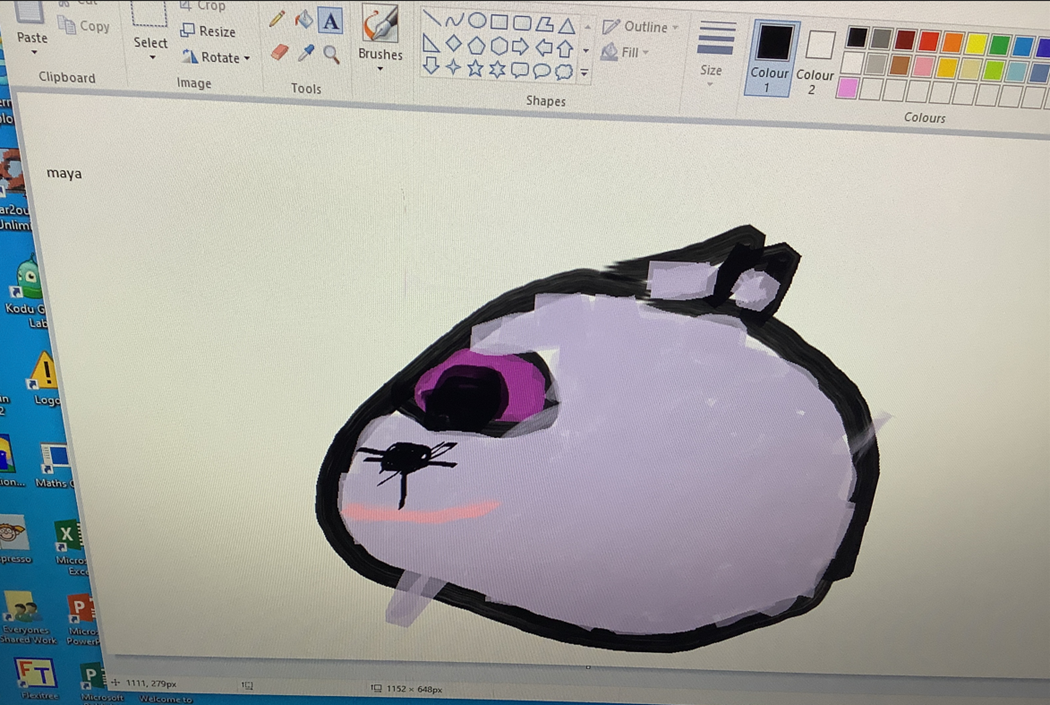
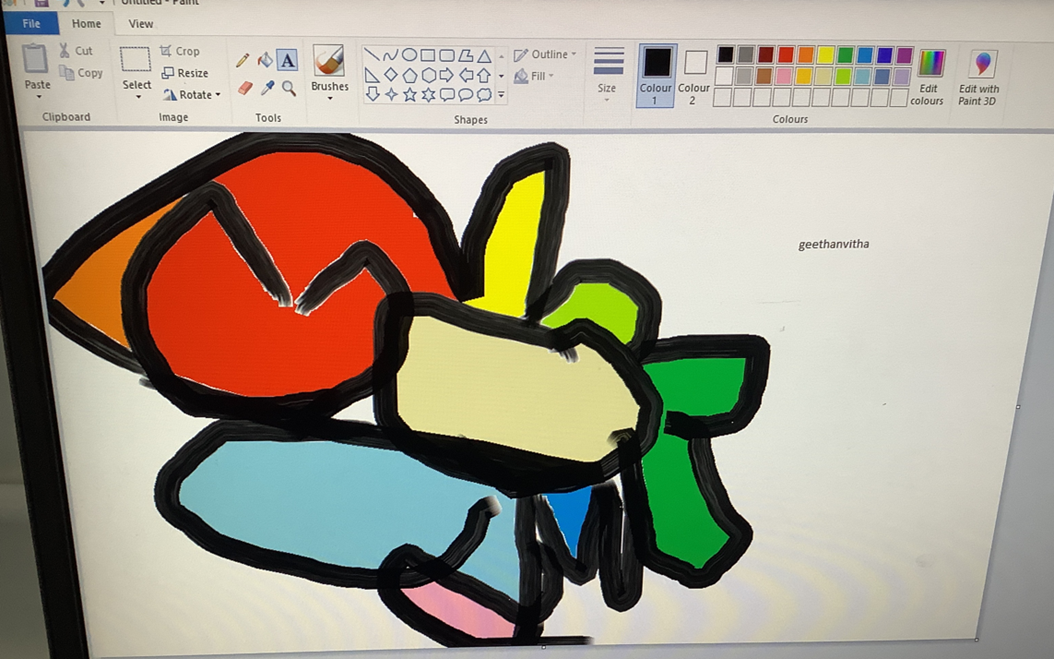
Y1 Digital Painting (Paint)
Pupils use a range of tools for digital painting, choosing colours and brush styles to create an artistic effect.
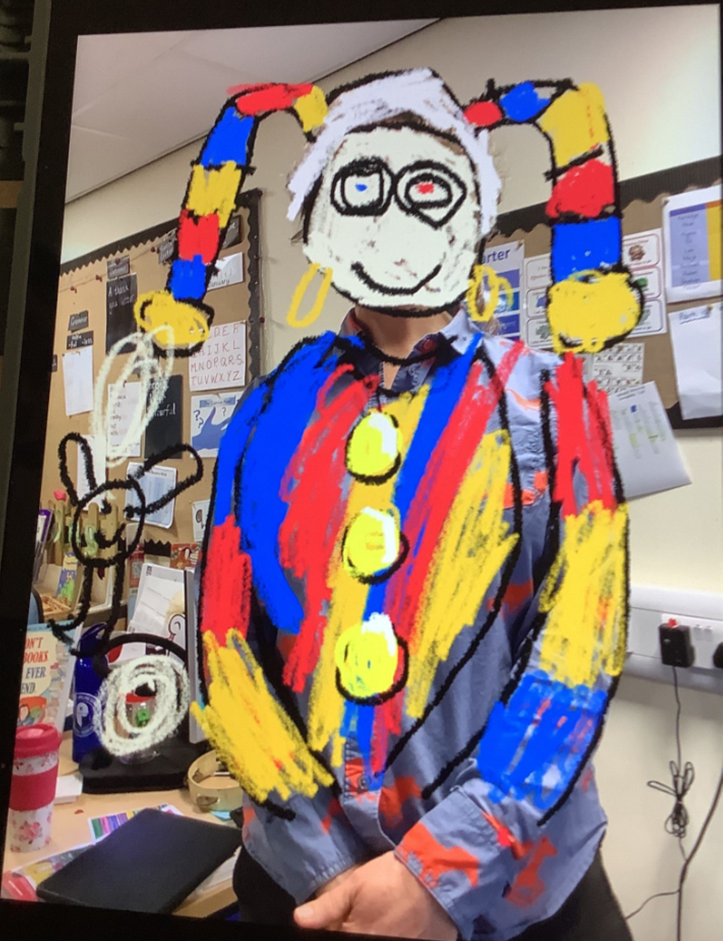
Y2 Digital Photography
Pupils use iPads to capture, edit and improve photos, and learn how to take an effective photograph.
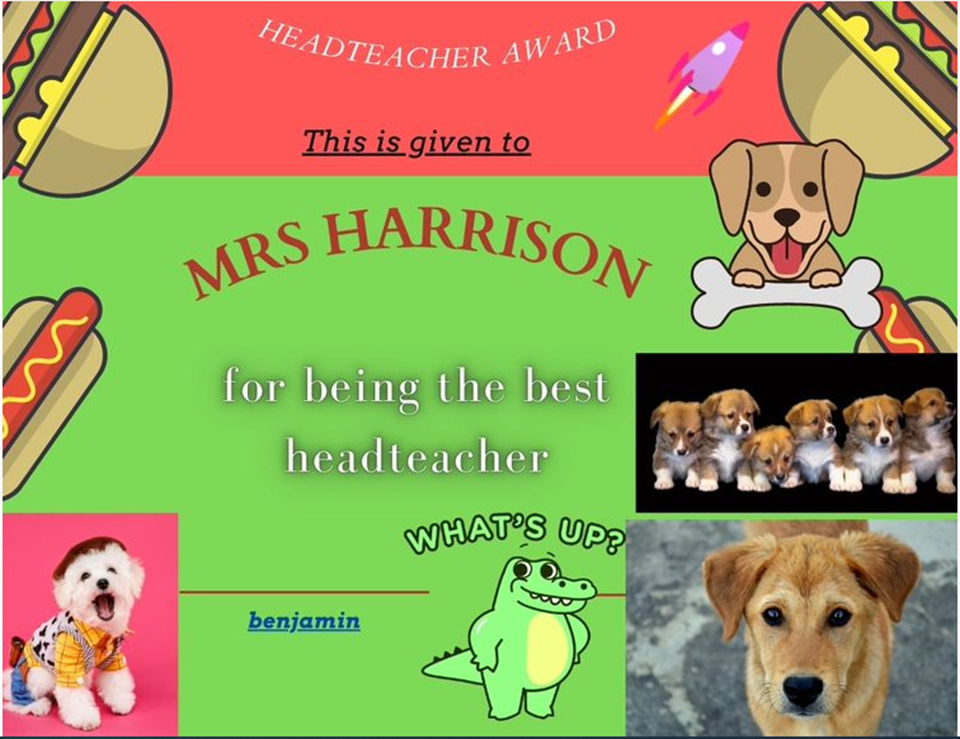
Y3 Desktop Publishing (Canva)
Pupils format text and images and use placeholders (templates) to design cards. They learn how to change font style, colour and size. They use Canva software to insert and edit images.
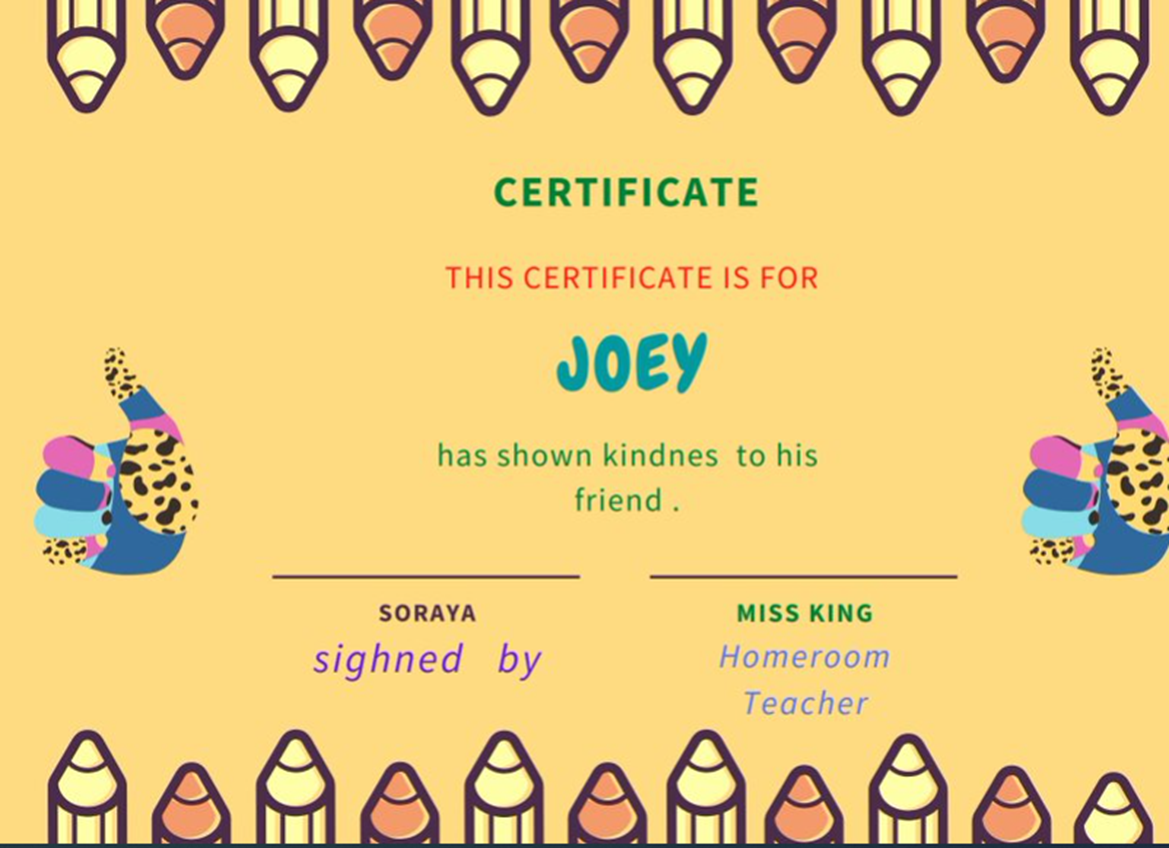
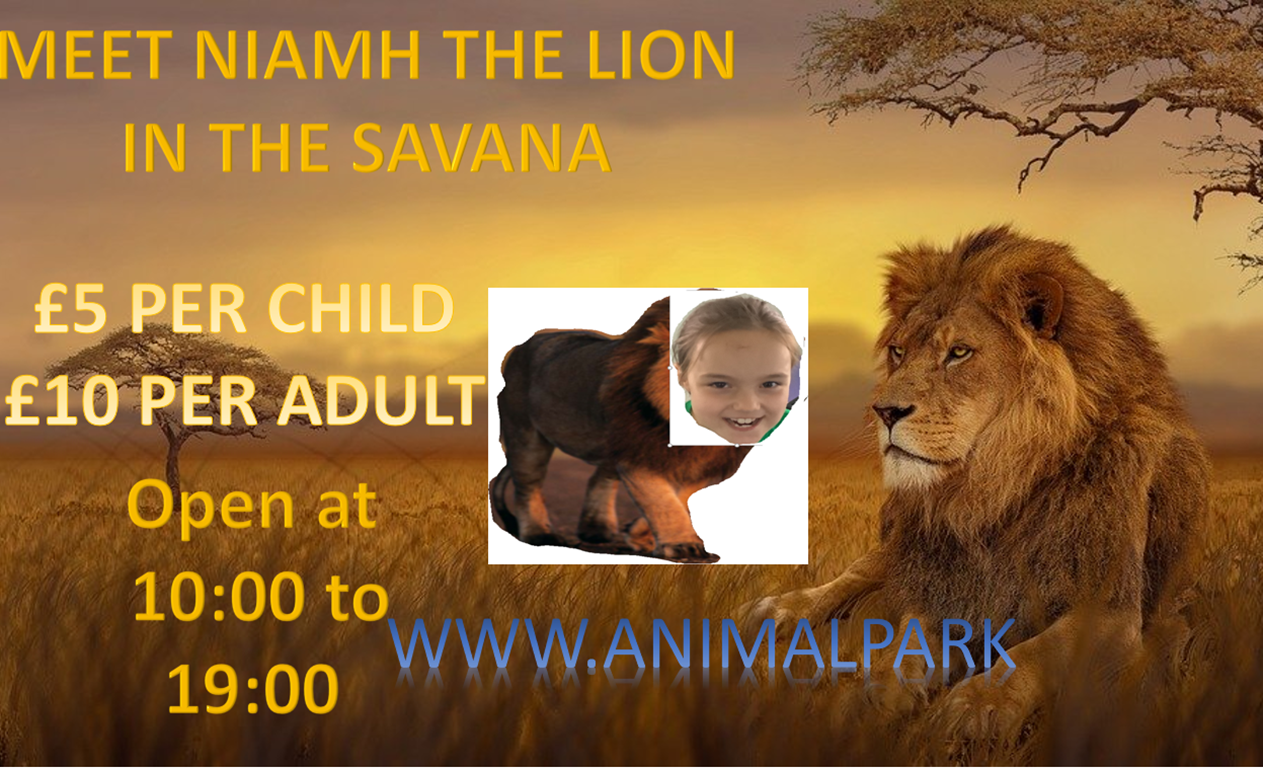
Y4 Photo Editing
Pupils edit digital images using a range of tools and techniques. They combine images and text from different sources to create a fake image. They develop media literacy to know that not all images are real.
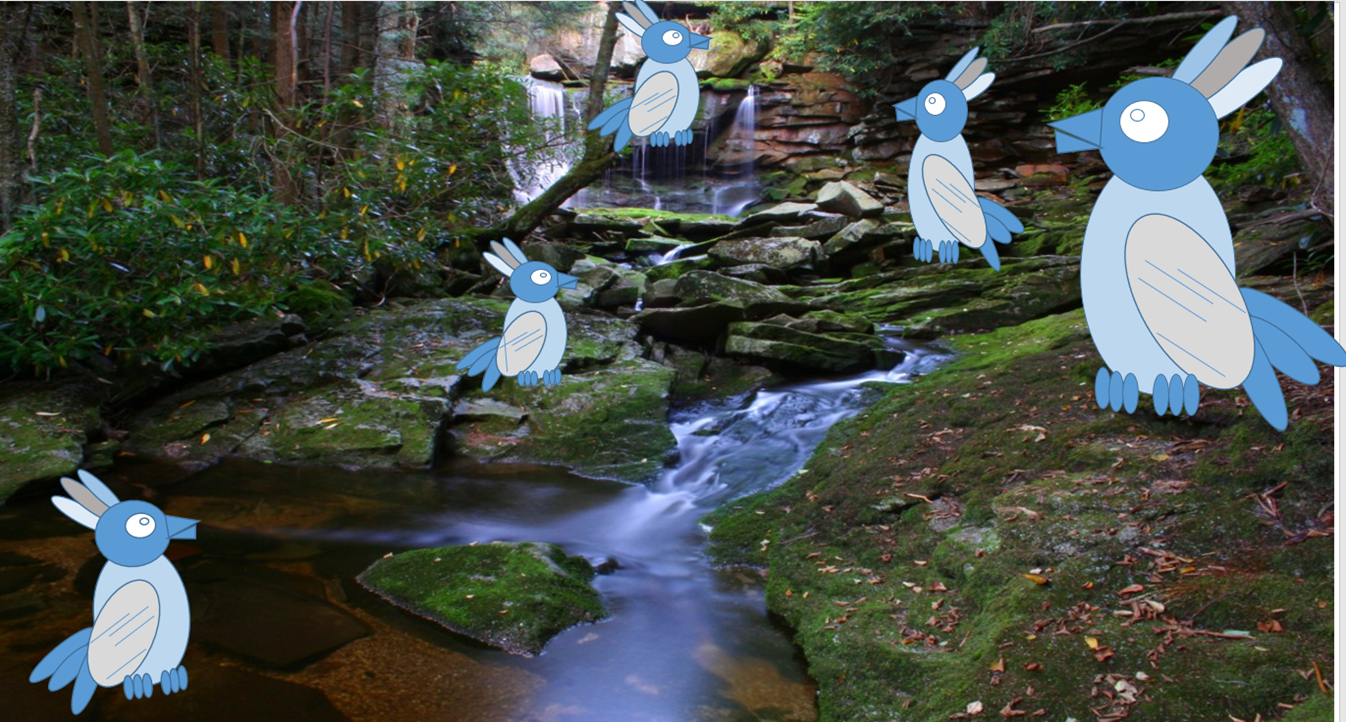
Y5 Vector Drawing
Pupils learn to create vector images, which are made up of shapes. They learn how to use different drawing tools and how images are created in layers. They group, resize, rotate and duplicate images, to create a more complex piece of work.
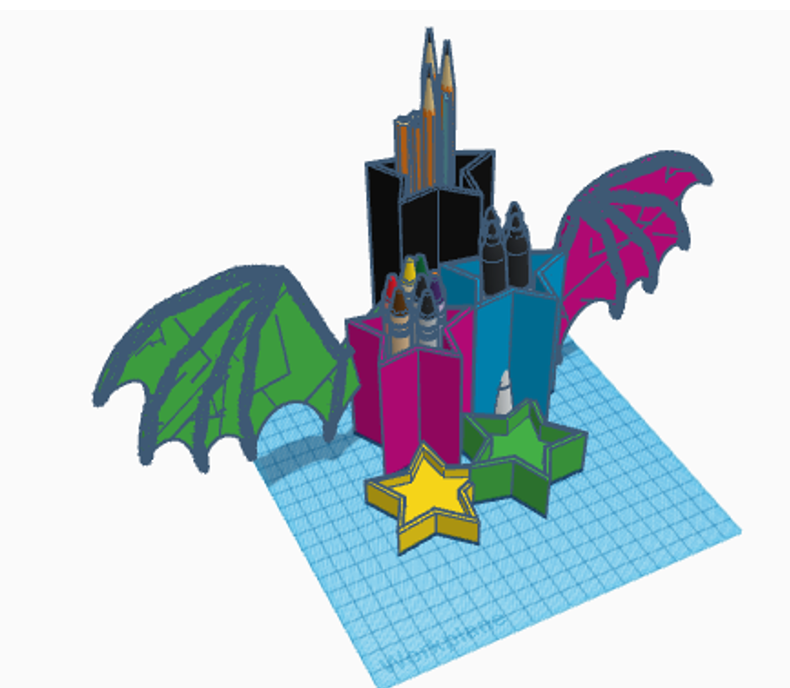
Y6 3D Modelling (Tinkercad)
Pupils use Tinkercad software to produce 3D models. They combine 3D objects to make accurate 3D models of pencil holders and keyrings. Pupils use accurate measurements and 3D objects as placeholders. They learn the importance of grouping 3D objects.
CODING (COMPUTER SCIENCE) SKILLS PROGRESSION
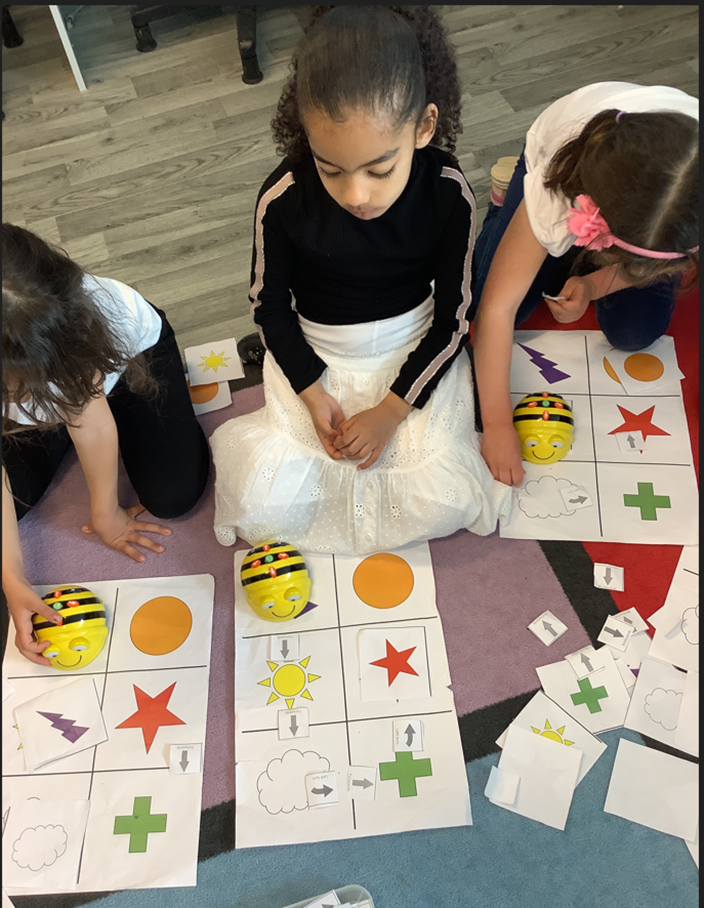
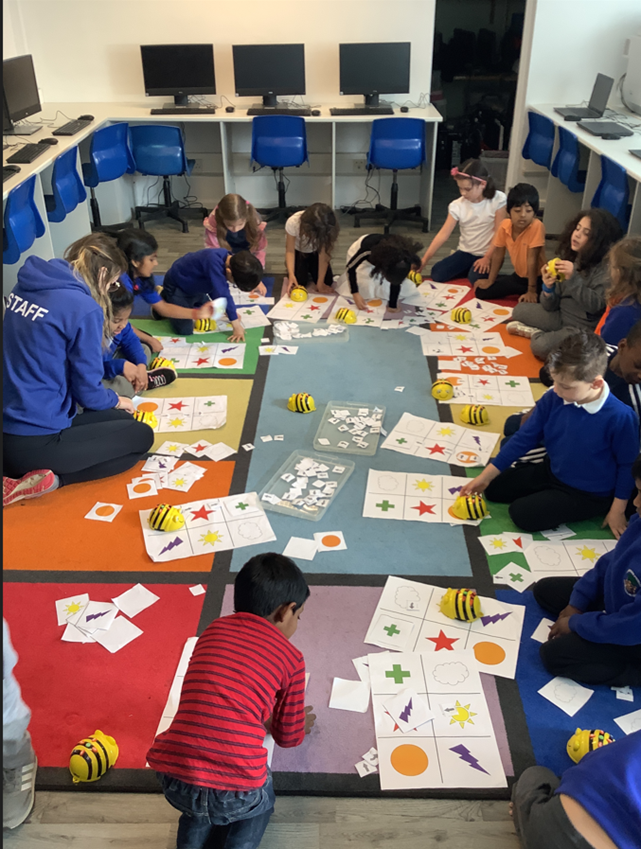
Y1 Moving a Robot (BeeBots)
Y1 choose a start and end point on a floor mat.
They use paper arrows to create an algorithm.
Y1 then test their algorithm out on the Bee Bot.
Programming Animations 1 (Scratch Junior)
Pupils will explore the way a project looks by investigating sprites and backgrounds. They will use programming blocks to use, modify, and create programs. Learners will also be introduced to the early stages of program design through the introduction of algorithms.
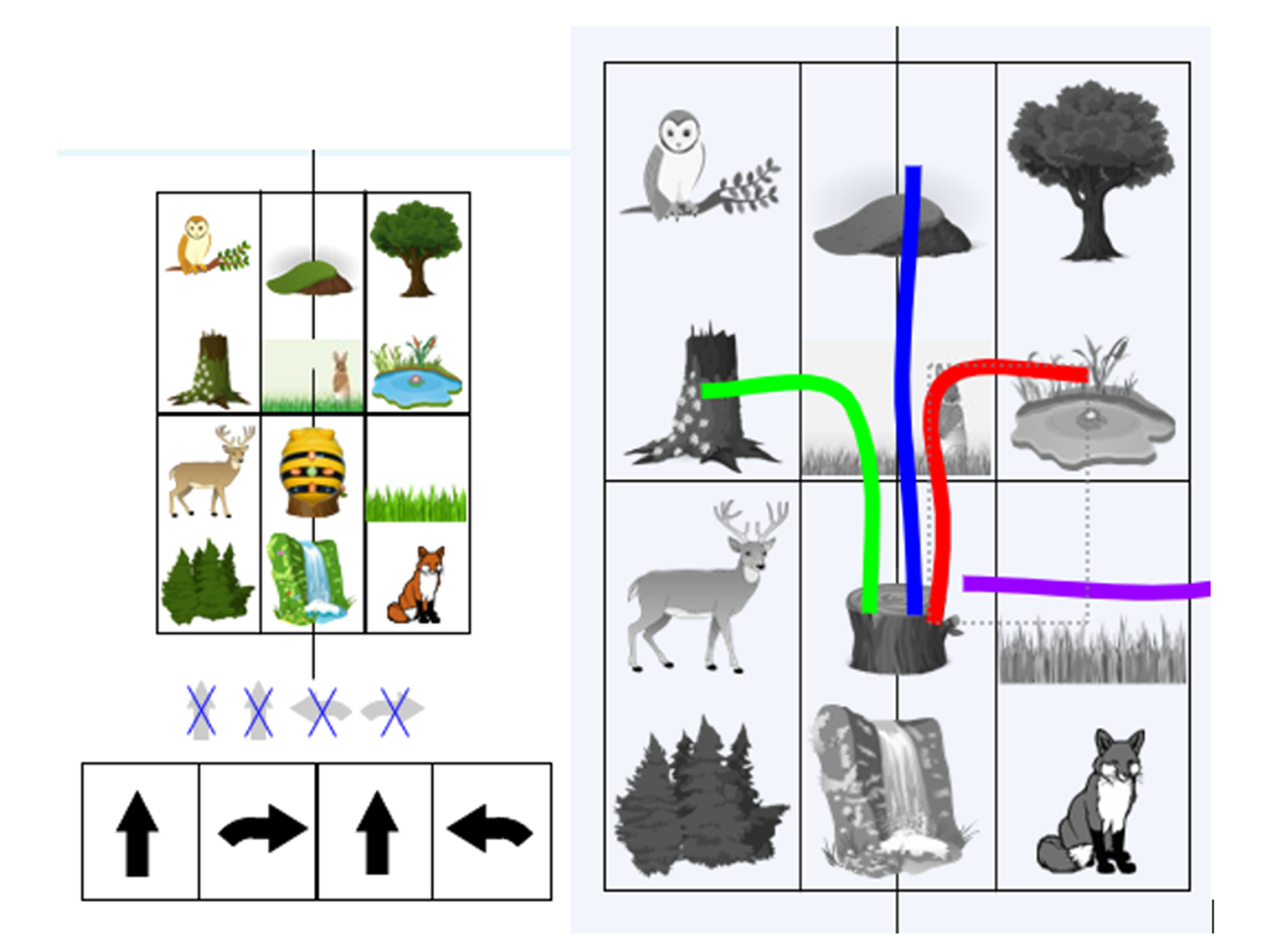
Y2 Robot Algorithms (BeeBots)
Y2 will explore what happens when they change the order of instructions.
They will use the same commands to create different algorithms.
They will use an algorithm to program a sequence on a floor robot.
They will show the difference in outcomes between two sequences using the same commands.
Coding Movement (Scratch Junior)
Y2 retrieve learning from Y1 Scratch Junior. They learn how to sequence code blocks so a sprite travels around a background whilst changing the variables of speed, size and turn.
Y3 Events and Actions (Scratch Pen)
Pupils use Scratch to move a sprite in four directions (up, down, left, and right). They then explore movement within the context of a maze, using design to choose an appropriately sized sprite. Pupils will draw lines with sprites and change the size and colour of lines. They will design and code their own maze program.
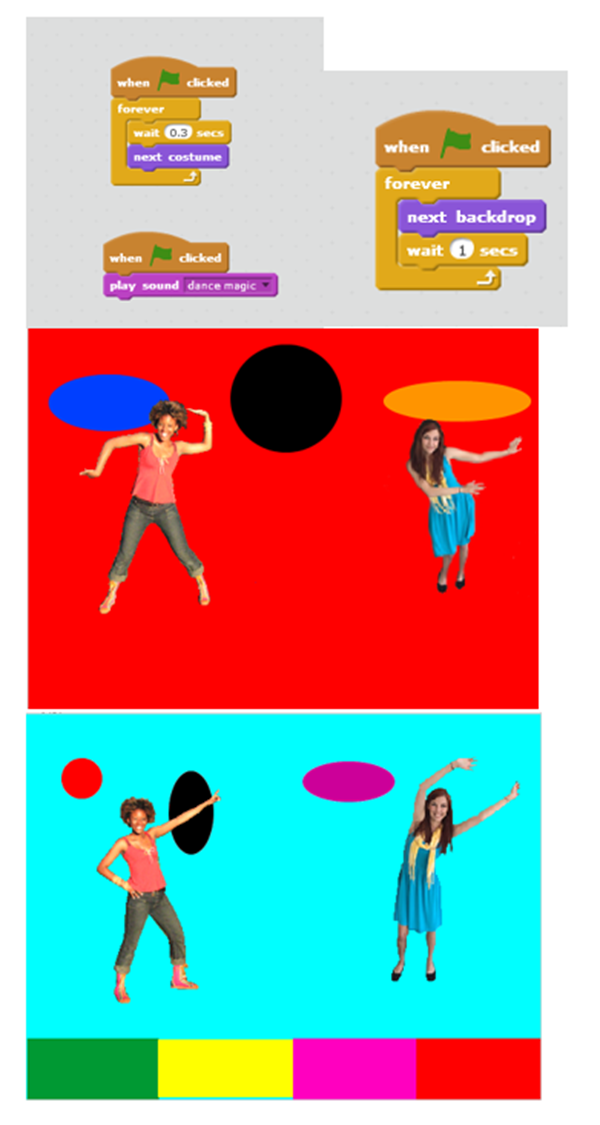
Sequence in Music (Scratch Dance)
Pupils use Scratch coding with a repeated (count controlled) loop. Children will use code blocks to make a sprite appear to dance by experimenting with the speed between a sprite’s costumes (dance poses). We will then create our own dance floor backgrounds and code them to change at varying speeds. Finally, we will choose music to add to the piece.
Y4 Repetition in Shape (Scratch)
Pupils will learn to use sequences of code to draw shapes, then develop their coding to use repeated loops. Pupils will create programs by planning, modifying, and testing commands to create shapes and patterns.
Repetition in Games (Scratch)
Learners will deepen their expertise at manipulating variables from the Y3 dance unit. They will learn to manipulate variables of costume change, speed, change colours, visual and sound effects. They will tinker with, adapt and then code their own bat catch game.
Y5 Scratch Quizzes
Pupils will explore quiz templates to learn how ‘if … then …’ coding works. They will create a maths, history/geography/science and a visual effects question. They will learn how to code a ‘try again’ option if the answer is incorrect, and choose a sound effect if the answer is correct/incorrect. They will manipulate backdrops to progress to the next level. They will play each other’s quizzes and give feedback as to improvements needed. Pupils will edit/debug their quiz.
Crumble
Using a microcontroller (Crumble controller) they will learn how to connect and program lights, a buzzer and a motor. Introductory unit in preparation for Y6.
Y6 Crumble
We build on the Y5 taster unit to use a Crumble controller to connect and program lights, a buzzer and a motor. We learn more complex coding to manipulate the variables of colour, time and speed. This unit links with their DT project to design, make and evaluate an alarm system.
Catching Game (Scratch)
We will learn to manipulate the gaming variables of speed, score, countdown timer, levels, SFX and lives. Pupils will then follow the ‘Use-Modify-Create' model to experiment with variables in an existing catching game, then modify them, before they create their own catching game where they choose their own sprites and backgrounds.